




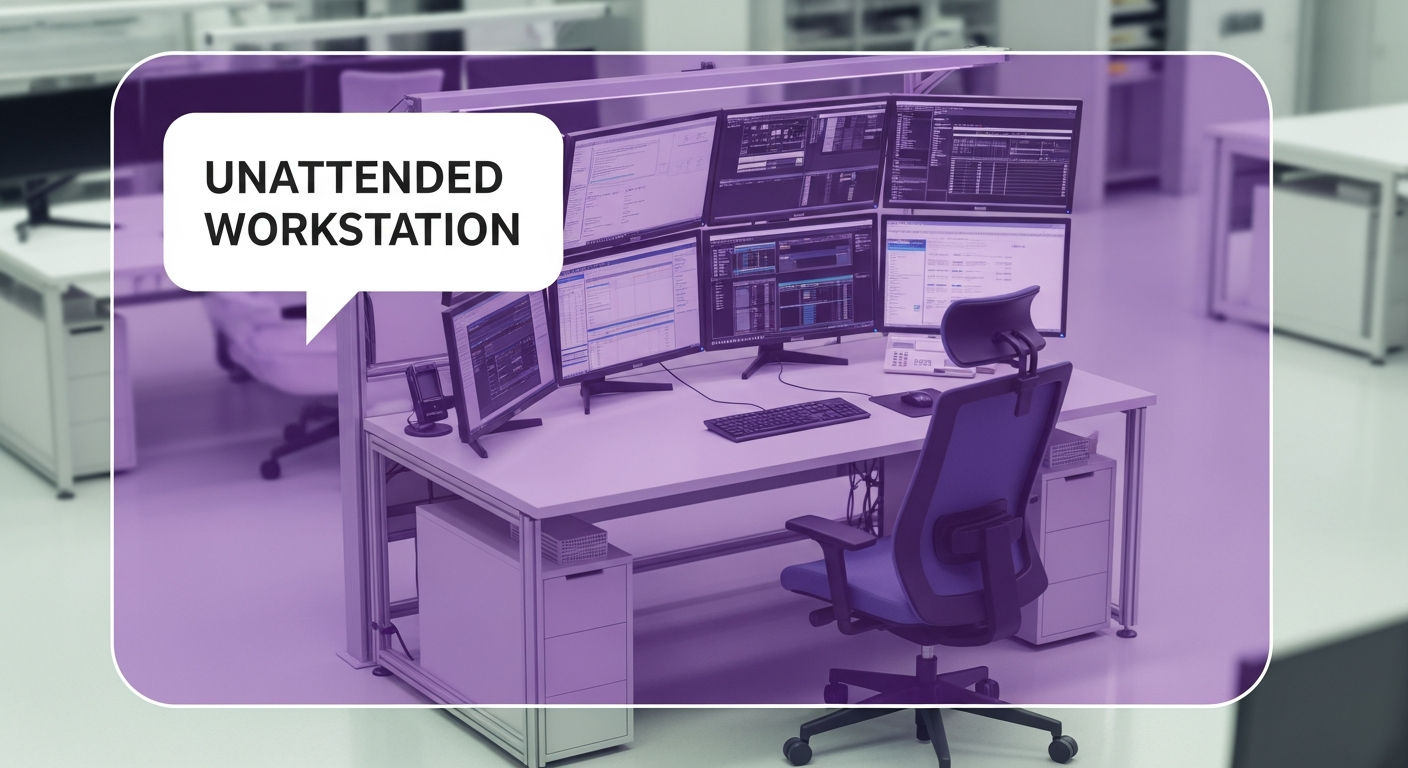


Managing a production floor often feels like a constant race against time. For production supervisors, there’s ongoing pressure to meet throughput targets while maintaining safety and quality. One of the most frustrating operational blind spots is the empty workstation. When a critical operator steps away unexpectedly—or fails to return from break on time—production grinds to a halt, bottlenecks form, and downstream processes starve.
The financial impact of these interruptions can be significant. Unplanned downtime can cost facilities up to $260,000 per hour (Source: Visual Factories). Even more concerning, recent industry data shows that unplanned downtime has risen from 1.25 percent in 2022 to 7.4 percent in 2024 (Source: Innius). For supervisors managing multi-zone coverage, physically monitoring every critical station to guard against these stoppages is impossible. This is where person absent alerts can help turn video systems from passive recording devices into more useful operational tools.
By leveraging video AI to detect when critical workstations are unattended, manufacturing leaders can move from purely reactive responses to faster downtime mitigation. This guide explores how person absent alerts work, their impact on operational efficiency, and how to implement them effectively to keep production lines moving.
Key terms to know
- Person absent alerts: A capability of video AI systems that detects when a human is not present in a pre-defined zone during scheduled operating hours and triggers a notification.
- Video AI agents: Intelligent software that analyzes video feeds in real time to detect specific behaviors or anomalies, such as an unattended workstation or a person entering a no-go zone.
- OEE (Overall Equipment Effectiveness): A gold-standard metric for manufacturing productivity that measures the percentage of manufacturing time that is truly productive.
- Downtime: Any period when a machine or production line is not producing output, categorized as either planned (maintenance) or unplanned (failures, absence).
The hidden cost of the empty workstation
For a production supervisor, the "empty chair" problem isn't just an attendance issue; it directly impacts Overall Equipment Effectiveness (OEE). When a skilled operator is missing from a bottleneck station, the impact cascades through the entire line.
- Direct throughput loss: If a machine requires manual loading or oversight, every minute of absence is a minute of lost production. Since downtime costs can be substantial, even a short 30-minute gap can translate to thousands of dollars in direct losses.
- Downstream starvation: In interconnected lines, one missing operator can force numerous downstream workers to idle while waiting for materials.
- Quality risks: When coverage is scrambled reactively, less experienced workers may step in, increasing the risk of scrap, rework, or safety incidents.
- Changeover delays: Changeover times are critical for efficiency. If the team is not present and ready the moment a line clears, changeover times expand, eating into production capacity.
Despite these risks, many facilities still rely on manual checks or "walking the floor" to monitor presence. This creates considerable blind spots during off-shifts, particularly on nights and weekends when supervisory coverage is thinner.
Moving beyond manual monitoring
Traditional methods of tracking workstation activity are often insufficient for modern manufacturing demands.
- Manual floor walks: A supervisor cannot be everywhere at once. By the time you walk to Zone C to notice an issue, Zone A may have been stalled for twenty minutes.
- Legacy camera systems: Traditional cameras are passive. They record what happened, but they cannot alert you while it is happening. Reviewing footage after a shift to see why numbers were down is "too little, too late."
- Badge swipes: Access control tells you an employee is in the building, but not whether they are at their specific workstation operating the machine.
This lack of real-time visibility forces supervisors into a reactive posture. You are constantly putting out fires rather than optimizing flow. Video AI changes this dynamic by providing live visibility into workforce presence without requiring constant physical supervision.
How 'person absent' alerts work
Spot AI’s video AI platform analyzes video from existing cameras to surface relevant events. Instead of simply recording video, the system analyzes the visual data to understand context.
The Process:
- Zone definition: You define a specific region of interest within the camera view—for example, the operator station at a CNC machine or a packing station at the end of a line.
- AI detection: The Video AI Agent monitors this zone for human presence. Unlike basic motion alerts, which can be triggered by a fan or a forklift driving by, the AI specifically recognizes the human form.
- Logic & thresholds: You set the rules. For example, "If no person is detected in the 'Critical Assembly' zone for more than 5 minutes during Shift 1, trigger an alert."
- Real-time notification: The system sends an alert directly to the production supervisor’s phone or a tablet on the floor.
- Rapid response: The supervisor receives the notification, views a live snippet to confirm the situation, and can rapidly deploy a floater or intervene via two-way audio.
This capability directly addresses the hurdle of managing multi-zone coverage. A supervisor can monitor the status of selected critical areas across a plant—or multiple sites—from a single dashboard.
| Feature | Traditional Cameras | Spot AI Video Agents |
|---|---|---|
| Detection | Passive recording | Real-time AI analysis |
| Alerting | None (forensic only) | Real-time mobile/email alerts |
| Context | None | Distinguishes people from machines |
| Search | Hours of scrubbing | Fast, filterable video search |
| Action | Reactive investigation | Faster intervention |
Operational use cases for absence detection
Implementing person absent alerts allows you to solve specific operational frustrations outlined in the Production Supervisor Persona Report.
- Protecting critical bottlenecks
Every plant has constraint resources—machines that determine the output of the entire facility.- Pain point: If the operator at the bottleneck takes an unscheduled break, the whole plant loses capacity.
- Solution: Configure a "Person Absent" alert with a short threshold (e.g., 2 minutes) for these specific stations. This helps maximize uptime for the most valuable assets.
- Monitoring changeover progress
- Sticking point: Changeover coordination complexity is a major pain point. Delays often occur because the setup crew isn't in place right when the line stops.
- Solution: Use alerts to verify that the changeover team is present at the line the moment the run ends. If the zone remains empty during a scheduled changeover window, the supervisor is notified to expedite the crew.
- Ensuring safety in remote areas
- Obstacle: Lone workers in remote areas (e.g., wastewater treatment, distant loading docks) pose a safety risk if they vanish or suffer a medical event.
- Solution: While not a replacement for "man down" buttons, absence alerts can indicate if a worker has left a hazardous area unexpectedly or hasn't returned, prompting a safety check.
- SOP adherence and standard work
- Barrier: Inconsistent SOP adherence leads to variability. For example, a process might require an operator to be present at a control panel continuously during a heating cycle.
- Solution: AI can check for presence during the critical phase. If the operator walks away while the machine is in a critical state, the system flags the event for review and coaching.
Implementing a response protocol
Technology is only as effective as the process it supports. To get value from person absent alerts, you need a clear response protocol.
- Verify the alert: When a notification pops up, use the Spot AI dashboard to view the live feed. Is the station truly empty, or is the operator just obscured? (Spot AI’s models are pre-trained for manufacturing environments to minimize false positives).
- Assess impact: Is this a bottleneck machine? Is there inventory buffer downstream?
- Deploy contingency staffing: If the absence is confirmed, deploy a cross-trained team lead or floater. Research shows that cross-training can lead to 20 percent higher productivity and 15 percent faster response times during disruptions (Source: Cornerstone Staffing).
- Investigate root cause: Use the data for root cause analysis. Is this operator frequently absent? Is there an environmental issue at that station causing fatigue?
- Coach, don't discipline: Use the video evidence to have constructive conversations. Frame it as "We noticed the line stopped for 20 minutes; how can we support you to keep it running?" rather than "Why weren't you working?"
Privacy and ethical considerations
Deploying monitoring technology requires transparency. It is essential to distinguish between operational visibility and excessive monitoring.
- Focus on safety and flow: Communicate that the goal is reducing downtime and ensuring safety, not policing bathroom breaks.
- Compliance: Be aware of regulations. The Electronic Communications Privacy Act (ECPA) generally permits monitoring of company systems, but state laws vary.
- Transparency: Notify workers about what is being monitored and why. When employees understand that the system helps them hit targets and minimizes the chaos of understaffing, adoption improves.
Comparing monitoring solutions
When evaluating tools to solve the "person absent" roadblock, consider how they stack up against your need for speed and scalability.
| Feature | Spot AI | Legacy VMS | Manual tracking |
|---|---|---|---|
| Deployment speed | Quick setup; live quickly (timing varies by environment) | Weeks/Months of cabling | On-the-spot (but ineffective) |
| Hardware flexibility | Works with many IP cameras | Proprietary camera lock-in | N/A |
| Scalability | Cloud-based; supports many users | Expensive servers per site | Does not scale |
| Intelligence | Pre-trained AI Agents | Basic motion detection | Human observation |
| Cost model | Unified license | High upfront + maintenance | Labor hours lost |
Spot AI stands out by offering a flexible platform that supports a wide range of cameras.
You do not need to rip and replace your existing cameras to get AI capabilities. The system processes video at the edge and presents insights in a cloud dashboard, making it easy to manage multi-site operations.
Turning Real-Time Visibility into Operational Uptime
For the modern Production Supervisor, the ability to see without constant watching is a practical advantage. Person absent alerts provide the real-time operational visibility needed to address the costs of downtime and the challenges of a labor-constrained market. By detecting workforce gaps as they happen, you can mitigate cascading failures, improve OEE, and reduce the administrative burden of manual tracking.
This technology is not about replacing trust; it is about verifying the process. It helps you standardize shifts, coach your team effectively, and know when critical assets are left idle.
Ready to see how video AI can help you cut downtime? Request a demo to experience Spot AI’s Video AI Agents in action.
Frequently asked questions
What are the best practices for monitoring employee attendance?
Best practices involve using automated, real-time systems rather than manual checks. Integrate video AI alerts with your existing labor management protocols. Focus on monitoring critical bottleneck stations rather than every single employee. Ensure transparency with your workforce about why monitoring is in place—emphasizing safety and productivity over intrusive monitoring.
How can AI minimize downtime in manufacturing?
AI minimizes downtime by detecting the root causes of stoppages the moment they occur. Whether it is a person absent alert signaling a labor gap, or an alert for a forklift entering a no-go zone, AI enables supervisors to intervene without delay. This rapid response helps address minor interruptions before they spiral into major line stoppages.
What technologies are available for real-time absence detection?
The primary technologies include Video AI analytics, which detect human presence through camera feeds; Labor Management Systems (LMS) integrated with badge readers; and IoT sensors on machines. Video AI is often the most flexible as it provides visual context (verifying if a person is actually working vs. just present) and works with existing hardware.
How do automated alerts improve operational efficiency?
Automated alerts remove the latency between an event occurring and management knowing about it. Instead of discovering a line stop 4 hours later during a shift recap, a supervisor knows in real time. This allows for swift resource reallocation, preserving throughput and minimizing the $260,000 per hour cost associated with unplanned downtime (Source: Visual Factories).
What are the compliance considerations for employee monitoring?
Compliance depends on jurisdiction. While federal laws like the ECPA allow monitoring of business operations, states like New York and California have specific requirements regarding notice and privacy. It is critical to implement systems that secure data, limit access to authorized personnel, and are used in accordance with local labor laws.
About the author
Sud Bhatija is COO and Co-founder at Spot AI, where he scales operations and GTM strategy to deliver video AI that helps operations, safety, and security teams boost productivity and reduce incidents across industries.

