






Multi-site camera management: the operating model for 50 or more locations
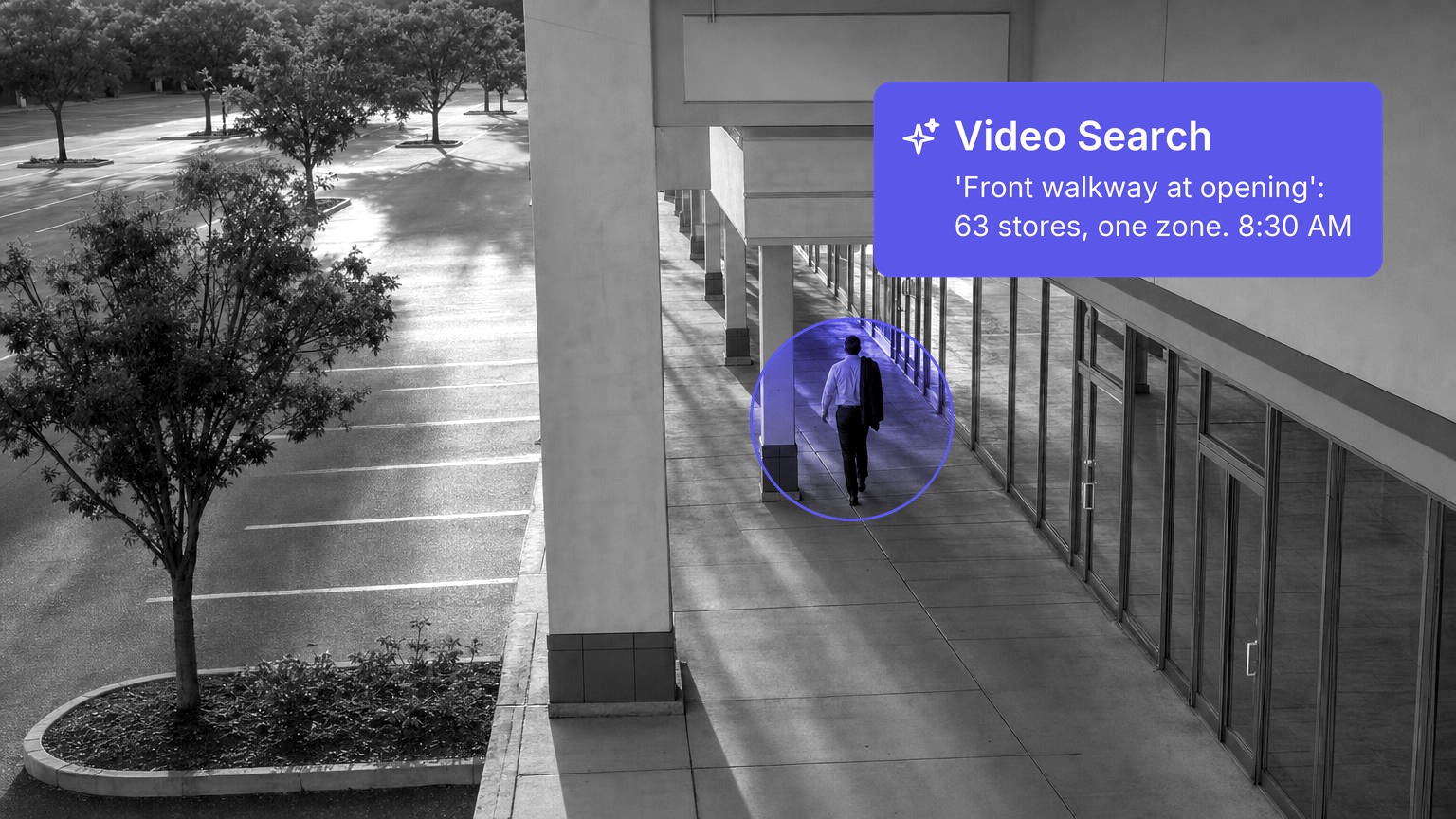
Past 50 locations, camera management becomes an operating problem: every site needs the same zones, camera names, alert rules and owners, or every cross-site question stalls at the site line. Spot AI runs that model on the cameras each location already has, with users, locations, cameras and appliance health in one dashboard. Most large estates already have a central desk to route to: 63% of Security Benchmark Report respondents run a security operations center or a global security operations center (Source: Security Magazine). The decisions left are which alerts reach that desk, which stay with the local manager, and how 50 sites stay identical while staff, layouts and devices change.
Key takeaways
- Spot AI rollouts use one site template per site type (zones, camera names, agents, armed hours, retention), so a search or a report reads the same at site 3 and site 63.
- Fleet health is a daily number with an owner: cameras online, recorder status and days of video on disk against the retention policy.
- Spot AI routes each alert type by email, text, Slack or Teams to one owner and one backup, with local alerts staying local and cross-site patterns going to the central desk.
- Access follows the directory through single sign-on, because retail staff turnover makes a quarterly user review too slow on its own.
- A quarterly audit covers inventory, access, template drift, retention and alert load, and per-site KPIs roll up unchanged to district and executive views.
What the operating model replaces
Spot AI's operating model starts from the failure most large estates already have: each location set up by a different installer at a different time, so nothing compares. YMCA of Greater Richmond is the clearest record of that problem. Inconsistent network video recorder setups and varying video storage limits across sites made investigating incidents extremely difficult, and footage was shared by sending large files through Dropbox and OneDrive. YMCA of Greater Richmond deployed Spot AI across 17 locations in 2 weeks, with single sign-on through its existing Active Directory, one dashboard for users, locations, cameras and appliance health, and 30 days of standardized retention across all sites.
Symptom at 50 or more sites | Root cause | Fix in this model |
|---|---|---|
A search across sites returns nothing usable | Camera names differ by installer | A naming convention in the site template |
Footage is gone before anyone asks for it | Retention set per recorder, not per policy | One retention standard, checked daily |
A camera has been dark for weeks | Nobody owns health at the site | Fleet health thresholds with named owners |
Former employees still have logins | Users created by hand, site by site | Roles tied to the directory |
Alerts reach whoever set them up | No routing standard | A routing matrix |
New sites drift from the standard | Onboarding by memory | An onboarding checklist and a quarterly audit |
Choosing the platform comes first, and that comparison lives in our guide to the best security system for multiple locations. This guide covers running one.
Step 1: Build one site template per site type
In a Spot AI rollout, the site template is the unit of configuration: zones, camera names, agents, armed hours and retention are decided once per site type and applied to every location of that type. Keep the number of site types between three and five, because every extra type is a template somebody has to maintain.
Template element | The standard | Example |
|---|---|---|
Zones | The same named zones at every site of a type | Entrance, registers, stockroom, rear door, lot |
Camera names | Region, site number, zone, position | SE-0412-LOT-NW |
Agents per zone | A fixed set per zone, not per site | Loitering in the lot after close, unattended checkout at the registers |
Armed hours | Tied to each site's trading hours, not to clock times | From 30 minutes after close to 30 minutes before open |
Retention | One policy for the estate | 30 days on site, with cases kept longer |
Version | Numbered, with a change log owned centrally | Mall store v1.4 |
The naming convention earns its place three times over. It makes a search across 60 sites return the rear door cameras and nothing else, it lets a report group by zone without a lookup table, and it tells a new regional manager what a camera sees before the stream opens.
The pitfall. Letting each district edit its own copy of the template. Within two quarters there are eleven templates and no standard.
Step 2: Run fleet health as a daily number
Spot AI shows camera and appliance health for every location in one dashboard, which turns fleet health into a daily figure with an owner instead of a discovery made during an investigation. Bridge33 Capital, which brought more than 25 commercial real estate assets onto Spot AI with the cameras each property already had, replaced hours of weekly manual camera audits with automated health monitoring that shows when a camera went offline, for how long and why.
Signal | Example threshold | First owner | Respond within |
|---|---|---|---|
Camera offline during trading hours | More than 15 minutes | Site manager, then IT | Same day |
Camera offline in an armed zone after hours | Any | On-call IT | 2 hours |
IVR offline | Any | IT | 1 hour |
Video on disk below the retention policy | Fewer days than the policy at any site | IT | 48 hours |
Angle moved or blocked | Found in a review or the audit | Site manager | Next visit |
Publish one estate figure every morning, the share of cameras online by site, and sort it worst first. A site at 88% is a ticket; a site at 88% for three weeks is a management conversation. Because Spot AI's Intelligent Video Recorder (IVR) keeps full-resolution video on site and sends only metadata across the network, the retention check is a per-site storage question, which is why it sits with IT. Where the architecture is still open, the comparison of cloud-based security cameras for business sets out cloud-only, hybrid and on-premises designs.
Step 3: Set roles and permissions by region
Spot AI supports role-based access to specific locations and cameras, plus single sign-on through the directory a business already runs, which is what lets a local manager act on local alerts without seeing the whole estate. Bridge33 hit the same split at more than 25 assets: senior management wanted every site, regional teams wanted only their own.
Role | Sees | Acts on |
|---|---|---|
Site manager | Their own site | Local alerts and local cases |
District manager | Their 8 to 12 sites | Escalations and the weekly review |
Regional loss prevention or security | The region | Cross-site cases and footage exports |
Central security desk | Every site | After-hours and cross-site alerts |
IT administrator | Devices and users at every site | Health, onboarding and access reviews |
Executives | Roll-up reports | Nothing operational |
NIST's Cybersecurity Framework 2.0 sets the bar for the table: access permissions are defined in a policy, managed, enforced and reviewed, and incorporate the principles of least privilege and separation of duties (Source: National Institute of Standards and Technology). Turnover is why the directory has to drive it: in retail trade, an average of 2.6% of employees quit each month in 2025 (Source: Bureau of Labor Statistics). A chain with 300 named users loses about eight of them a month through quits alone, so access has to end when the HR record closes, not at the next review.
Step 4: Write the alert routing matrix
Spot AI sends each alert to named people by email, text, Slack or Teams, so routing is a matrix written once: alert type, hours, first owner, backup and escalation.
Alert type | Trading hours | After hours | Escalates to |
|---|---|---|---|
Loitering or a vehicle in the lot | Site manager | Central desk | District manager if it repeats within 7 days |
Unattended checkout | Site manager | Not armed | None |
Unauthorized entry at the stockroom or rear door | Site manager | Central desk | Regional loss prevention |
A plate of interest seen at two or more sites | Regional loss prevention | Central desk | Regional lead the next morning |
Camera or IVR offline | IT | On-call IT | IT lead after the response window |
Cross-site rows earn their place: half of retailers in NRF's 2026 study reported higher rates of repeat offenders (Source: National Retail Federation), and a repeat visitor across three stores is invisible to three managers who each see one visit. Four rules keep the matrix honest:
- One owner and one backup per row, named people rather than a shared inbox.
- After-hours alerts go to a staffed desk, never to a store manager's phone at 2 AM.
- A ceiling on load, such as five alerts per site manager per day; above it, the threshold changes, not the person.
- A routing review every quarter, because promotions and resignations quietly orphan rows.
Count alerts per owner per day before you count alerts per site. A site generating twenty alerts is a tuning task; a district manager receiving sixty is a routing failure that no threshold change at one site will fix.
Step 5: Onboard a new site from a checklist
Spot AI connects to the cameras a new location already has, so onboarding is a checklist the central team runs rather than a project each region invents. Run it in this order:
- Inventory the cameras and streams and check every angle against the template's zones, using the readiness checks for adding AI to a camera network you already own.
- Change every default camera password and keep cameras off the public internet. Security Magazine reported more than 40,000 security cameras exposed online, 14,000 of them in the United States (Source: Security Magazine).
- Place the IVR on the network segment IT agreed for the site type.
- Apply the template and rename every camera to the convention.
- Add users from the directory with their site roles, and load the site's rows into the routing matrix.
- Walk every zone in its armed hours to confirm each alert reaches the right person.
- Record the day-one baseline: cameras online and days of video on disk.
- Get the site manager's sign-off that the site matches the template version.
Step 6: Hold a quarterly audit
Spot AI holds the device list, the user list and the health history for every location in one place, so a quarterly audit of 50 or more sites is a desk review plus a sample of visits rather than 50 trips.
Audit item | What to check |
|---|---|
Device inventory | Every camera and IVR in the dashboard matches the asset register, per NIST CSF 2.0 ID.AM-01: inventories of hardware are maintained |
User access | Every account maps to a current employee in the right role |
Template drift | Zones, agents and armed hours match the current template version |
Retention | Days of video on disk meet the policy at every site |
Alert load | Alerts per owner per day and the share acted on |
Credentials and exposure | No default passwords and no camera reachable from the internet |
Angles | A snapshot of every zone camera against its template view |
The pitfall. Auditing only the sites that had incidents. Drift accumulates at the quiet sites nobody opens, so sample them on purpose.
Step 7: Define per-site KPIs that roll up
Spot AI's Agents Reporting turns detections into trends by agent, camera and location across days, weeks and months, so the same per-site numbers roll up to district and executive views without a spreadsheet in between.
KPI | Site view | District or region view | Executive view |
|---|---|---|---|
Share of cameras online | Daily | Weekly, worst five sites | Monthly estate figure |
Alerts per site per day, and share acted on | Daily | Weekly by site type | Quarterly trend |
Median minutes to first response | Weekly | Weekly, ranked | Monthly |
Incidents per site per week, by type | Weekly | Ranked by site | Monthly against last year |
Cases closed and investigation minutes | Weekly | Monthly | Quarterly |
Define each KPI once, compute it at the site, then sum or take the median upward. A district that redefines "incident" breaks every comparison above it. The executive dashboard a chain's leadership reviews is built from exactly these rows, and if the model has not been proven yet, a 60-day pilot across three sites and two controls tests it before site four. For what changes once agents run across a whole territory, from a regional manager who stopped touring stores to check compliance to Iris answering questions across every site, read Spot AI's white paper, Turning Cameras Into Coworkers.
Version the site template, the routing matrix and the KPI definitions together and change them only in the quarterly audit. When the three drift apart, the reports stop describing the sites they claim to.
Key terms
- Site template. The zones, camera names, agents, armed hours and retention defined once for a site type and applied at every location of that type.
- Fleet health. The daily state of every camera and recorder in the estate, measured as cameras online and days of video on disk.
- Routing matrix. The table that names, for each alert type and time of day, the first owner, the backup and the escalation.
- IVR. Spot AI's Intelligent Video Recorder, which keeps full-resolution video on site and sends only metadata across the network.
One mid-market director of maintenance and capital projects described what a single view across every property changed in the working week:
"SpotAI allows me to have a centralized view of all our properties... literal labor savings as staff no longer needs to do a physical check on our amenity spaces and does so remotely."
Director, Maintenance & Capital Projects (Mid-Market), Joe M.
Spot AI keeps 50 or more locations comparable by running one template, one routing matrix and one set of KPIs on the cameras each site already has. Start with the template for your most common site type, then the matrix: everything else in this model is a check that those two still hold.
Frequently asked questions
How do you manage security cameras across multiple locations
Spot AI manages cameras across multiple locations from one dashboard that shows users, locations, cameras and appliance health, on the cameras each site already has. The operating model around it is a site template, daily fleet health, roles by region, an alert routing matrix, an onboarding checklist and a quarterly audit.
How should cameras be named across many sites
Spot AI search and reports read cleanest across sites when every camera follows one naming convention carrying region, site number, zone and position, such as SE-0412-LOT-NW. A shared convention makes a search across sites return the right cameras, lets reports group by zone, and tells a new manager what a camera sees before opening it.
Who should receive security alerts in a multi-site business
Spot AI routes each alert type to one named owner and one backup by email, text, Slack or Teams. Site managers take local alerts during trading hours, a staffed central desk takes after-hours alerts, and regional loss prevention takes patterns that span two or more sites.
How often should a multi-site camera system be audited
Spot AI holds devices, users and health for every location in one dashboard, so a quarterly audit of inventory, access, template drift, retention, alert load, credentials and angles is mostly a desk review. Daily fleet health catches outages, while the quarterly audit catches slow drift, especially at quiet sites nobody opens.
What KPIs should multi-site camera management track
Spot AI's Agents Reporting breaks detections down by agent, camera and location, the base for per-site KPIs that roll up. Track the share of cameras online, alerts per site per day and the share acted on, median minutes to first response, incidents per site per week by type, and cases closed, each defined once.
About the author
Amrish Kapoor, VP of Engineering
Amrish Kapoor is VP of Engineering at Spot AI, leading platform and product engineering teams that build the scalable edge-cloud and AI infrastructure behind Spot AI's video AI, powering operations, safety, and security use cases.

